
Portfolio Integrations
Add Gondola to your portfolio site
Add your latest Gondola stats and posts to your external portfolio page.
Portfolio Showcase
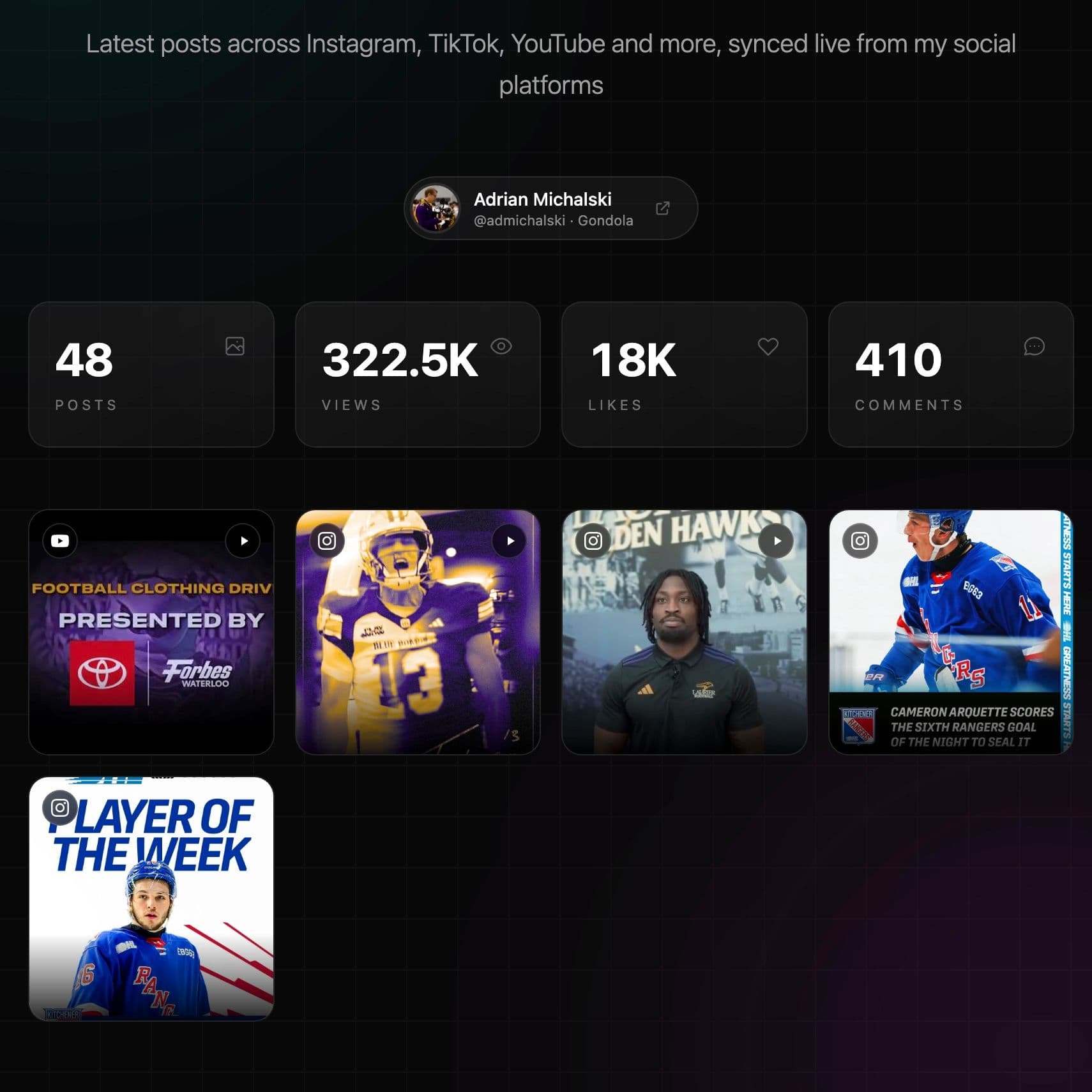
Adrian Michalski
@admichalski
Adrian uses Gondola to bring recent work and top-line stats into a custom portfolio site.
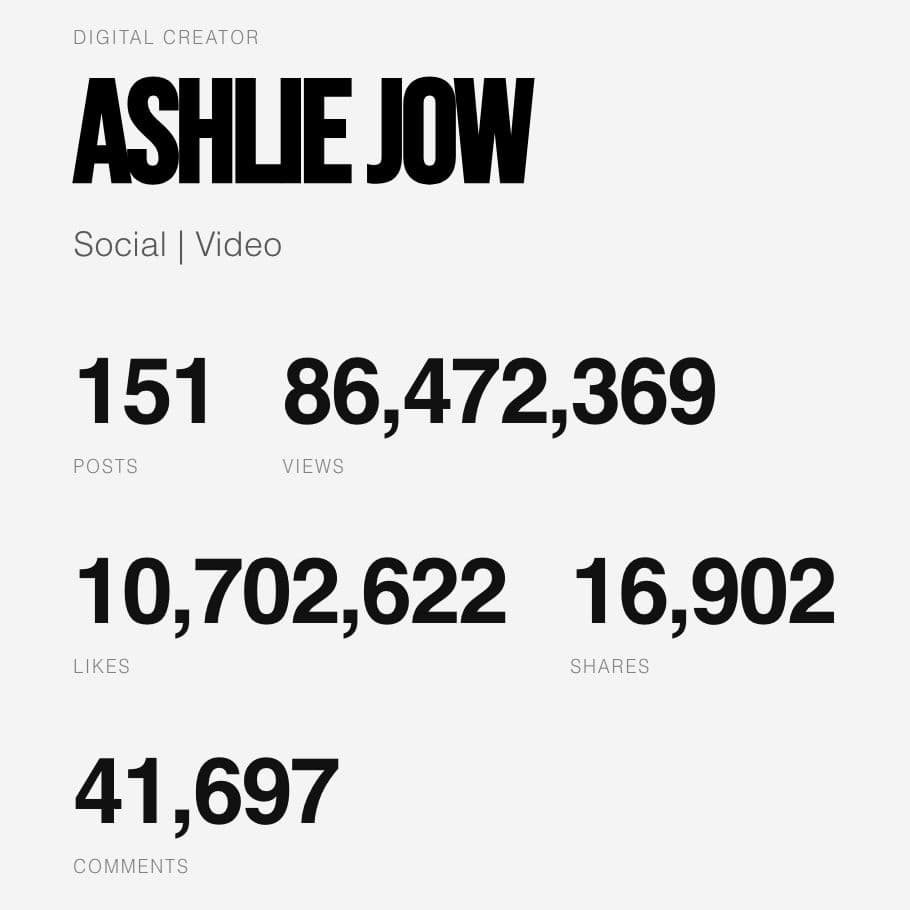
Ashlie Jow
@Ashliee_J
Ashlie keeps her personal site synced with her overall Gondola stats in a clean custom layout.
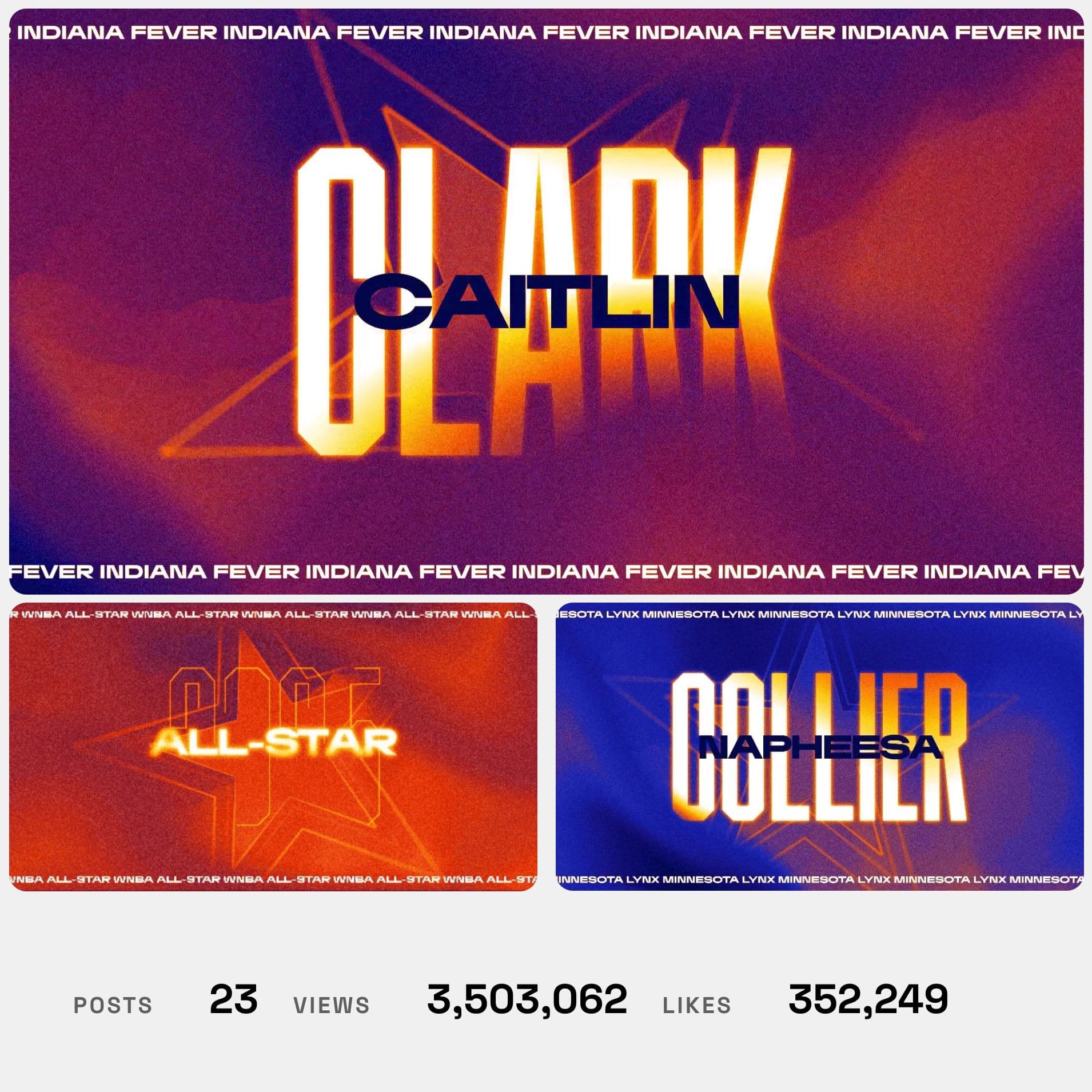
Quinn Carletta
@quinncarletta
Quinn uses his PRO account to focus this page on his credited WNBA content and stats.
Built a portfolio page with Gondola content? Submit it to be featured here.
Submit Your PortfolioFastest Path
Use an embed
Best for a simple portfolio section where you want Gondola to handle the layout and data rendering for you.
- Works well for Squarespace, Wix, and WordPress.
- Use a pasted profile URL, iframe, or script snippet.
- Choose this when you want something live quickly, or your portfolio site does not allow API calls.
Most Flexible
Use the Portfolio API
Best for a custom section that matches your site exactly or needs custom sorting, filtering, and styling.
- Returns profile data, stats, posts, paging, and access tier details.
- Free plans return recent posts; PRO/Teams plans unlock pagination and filters.
- Great fit for vibe coding tools (like Lovable, Base44, v0, Bolt, Webflow, etc.) or custom sites.
Option 1
Use the embed for a simple integration
This is the fastest way to show Gondola on a personal site. Gondola handles the data request and rendering — you drop the result into an existing page with a link or iframe. See the platform guides below for exact steps.
Your Embed Code
Get your personalized embed snippet — with your username, theme, and display options pre-filled — from your embed settings.
Squarespace
VisitUse a Code block rather than an Embed block. Squarespace's Embed block is designed for video and social media — for a custom iframe, the Code block gives you full control over sizing and layout.
- 1Copy the iframe snippet using the copy icon above.
- 2In the editor, add a Code block (not an Embed block) and paste the snippet.
- 3Resize the block, preview the page, and publish.
Wix
VisitUse Wix's Embed HTML element for the iframe. Wix may restrict the container height by default — if the portfolio appears cropped, drag the element's bottom edge to increase the height.
- 1Copy the iframe snippet using the copy icon above.
- 2In the Wix Editor, click Add Elements → Embed → Embed HTML, then paste the snippet.
- 3Adjust the container height if the embed is cropped, then publish.
WordPress
VisitThe Custom HTML block is the most reliable path. Pasting a profile URL on its own line only works if your WordPress installation has registered Gondola as an oEmbed provider, which most do not by default.
- 1In the block editor, click the + icon, add a Custom HTML block, and paste the iframe snippet.
- 2To try the URL shortcut, paste your Gondola profile URL on its own line in a Paragraph block instead.
- 3Preview the post or page and publish once the embed looks right.
Option 2
Use the Portfolio API for a custom integration
The Portfolio API returns a read-only view of your Gondola profile summary, aggregate stats, credited public posts, paging info, and access tier metadata.
Free plan
- Return your top-line stats and the 5 most recent public posts.
- Do not support custom filters or sorting.
- A good fit for a simple custom section.
PRO/teams plan
- Support pagination plus network, account, role, and collaborator filters.
- Support sort options beyond the default recent-post flow.
- A better fit for larger portfolio pages or portfolio search tools.
Important Notes
- The API is read-only and works directly from the browser — no server required.
- Only public data is returned. If you ever need to reset your token, you can rotate it any time at /settings/api.
- The API is rate-limited per token. If you get a 429 response, show a loading or placeholder state and try again shortly.
Fetch Example
const response = await fetch('https://gondola.cc/api/v1/portfolio', {
  headers: {
    Accept: 'application/json',
    Authorization: 'Bearer gpf_your_token_here',
  },
});

if (response.status === 429) {
  // Show cached or placeholder content and retry later.
}

const payload = await response.json();
const { user, stats, posts, access } = payload.data;
Next Step
Use the full API reference when you want the exact response schema, pagination details, and token rules.
Agent-Assisted Builds
Use an app builder when you want help adding the API
Vibe-coding tools like Lovable, Base44, v0, Framer, Webflow, and Google AI Studio can help you stand up the portfolio page quickly. Give them your portfolio token, the Portfolio API docs URL, and the starter prompt.
There's also a simpler agent-assisted option: just give the tool your Gondola profile link and ask it to build a portfolio page from your current profile content. That often works well for a quick one-time build, but it usually will not stay in sync automatically the way a live API integration does.
Starter Prompt
Build a responsive portfolio section for my site using Gondola data.

Docs: https://gondola.cc/docs/api/portfolio
Token: gpf_your_token_here

Requirements…
Lovable
VisitGood for building a full portfolio site from a single prompt. Lovable handles the layout and fetch for you — just give it your token and the docs URL.
- 1Copy the starter prompt above and paste it into a new Lovable chat.
- 2When Lovable asks for your token, paste it in. You can also add it in Project Settings under Environment Variables.
- 3Ask it to render a profile header, stats row, and recent work grid.
Base44
VisitGood for a generated app you can keep customizing. Base44 can wire the Gondola API and build the UI in one go.
- 1Copy the starter prompt above and paste it into a new Base44 chat.
- 2Add your portfolio token in Base44's Secrets panel so it stays out of your chat history.
- 3Ask it to build a profile summary, stats section, and recent posts grid.
v0
VisitGood when you want polished React components you can drop into an existing Next.js site and keep editing.
- 1Create or link a Next.js project in v0 first.
- 2Copy the starter prompt above and paste it into a new v0 chat. Add your portfolio token when it asks.
- 3Ask v0 to build a responsive section that reads from payload.data and handles a loading state.
Google AI Studio
VisitGood for quick prototyping directly in the browser. Build mode generates a working page from a prompt with no setup required.
- 1Copy the starter prompt above and open Google AI Studio in Build mode.
- 2Paste the prompt and add your portfolio token when it asks.
- 3Iterate on the layout until it looks the way you want, then export or share.
Framer
VisitGood for polished portfolio pages with responsive layouts. Framer's AI tools can generate the page structure quickly. The best way to integrate live Gondola data is by creating a Code component.
- 1Start a new Framer site and choose Start with AI or Wireframer.
- 2Ask for a portfolio page with a profile header, stats row, and recent work grid.
- 3Create a Code component in Framer to fetch live Gondola data from /api/v1/portfolio (the sample code component below displays your latest stats) and wire it into your layout.
- 4Use Framer's visual editor to refine the layout, interactions, and publishing settings.
Framer Code Component
import * as React from "react"
import { useState, useEffect } from "react"
import { addPropertyControls, ControlType } from "framer"

// Types for the Gon…
Webflow
VisitWebflow App Gen lets you interact with an AI agent to build a portfolio section that integrates live Gondola data quickly.
- 1In the Webflow Dashboard, create a new site and choose App Gen.
- 2Copy the starter prompt above and paste it into the App Gen chat.
- 3Refine the generated layout in the Webflow Designer and publish when it looks right.